When a power point stops working, it can disrupt everyday routines, from cooking to working from home, while also raising concerns about electrical safety. Callinan's Electrical helps homeowners understand common causes of faulty power points and when to seek help from a licensed Tamworth electrician.
The problem may be as simple as a faulty appliance or power board, or it could involve a tripped safety switch, overloaded circuit or damaged power point. A few basic checks can help narrow down where the fault is coming from.
Knowing what to look for also makes it easier to recognise when the issue needs professional attention. Understanding these warning signs can help prevent unsafe troubleshooting and ensure electrical faults are addressed appropriately.
.webp)
The first step is to determine whether the fault is limited to one power point or affects several outlets. If only one outlet is affected, the problem is more likely to involve that power point or the connected appliance. If multiple outlets have lost power, the issue may involve the circuit, safety switch, circuit breaker or wiring.
A few simple checks can help narrow down the cause:
If multiple power points are affected while the lights remain on, the problem may be within the home's power circuit. A breaker or safety switch that continues to trip should not be repeatedly reset and requires professional investigation.
Before calling an electrician, a few basic checks can help determine whether the problem is related to an appliance, outlet or tripped protective device. These checks should only involve plugs, switches and visual inspection. Never remove a power point cover, touch wiring or attempt an electrical repair yourself. Any electrical installation or repair work should be carried out by a licensed electrician.
A safe troubleshooting process is:
If there is burning, smoke, moisture, significant heat, active sparking or visible electrical damage, do not continue troubleshooting. Stop using the affected area and arrange for professional assistance.
Yes. A tripped circuit breaker or safety switch can make one or more power points stop working even when the outlets themselves are not faulty. A circuit breaker generally responds to excessive current caused by an overload or short circuit, while a safety switch (RCD) responds to electrical leakage.
If a breaker or safety switch has tripped, the cause may be an overloaded circuit, faulty appliance or wiring fault. Where it is safe to do so, the device can be reset once after checking for obvious signs of damage.
If your safety switch keeps tripping, particularly when appliances have been unplugged, avoid repeatedly resetting it. The protective device is responding to a fault that needs to be identified and addressed by a licensed electrician.
If one socket on a double power point works while the other does not, the fault may be isolated to the affected socket rather than the wider circuit. Testing the appliance and looking for visible damage can help narrow down the cause.
First, plug the appliance into another known-working power point. Then test a different low-power appliance in the socket that is not working.
If the second socket works but the first remains dead, the issue may be within the power point, such as worn contacts, loose connections or internal damage.
Check the affected socket for:
These signs can indicate an internal electrical fault. Stop using the socket if any are present.
If one socket remains without power after safe testing, do not remove the cover or attempt to repair it. A licensed electrician can test the outlet and determine whether it needs to be repaired or replaced.
If both sockets or several nearby power points have stopped working, check whether a breaker or safety switch has tripped, as this may indicate a wider circuit problem.
A power point can lose power for several reasons and the fault may not always be within the outlet itself. Here are some causes:
A breaker or safety switch may disconnect power when it detects an overload, short circuit or electrical leakage. If it repeatedly trips, the underlying fault should be professionally investigated rather than continually reset.
A damaged appliance, plug or power cord can cause a protective device to trip. If one specific appliance repeatedly causes power loss, stop using it until it has been inspected or replaced.
Power points can develop internal faults through age, heavy use or damage. Buzzing, crackling, intermittent power, discolouration, burning smells or unusual heat can indicate loose connections or damaged components. These can also be signs of faulty electrical wiring elsewhere within the circuit.
These problems should not be investigated by removing the outlet cover. A licensed electrician can safely test the power point and determine the appropriate repair.
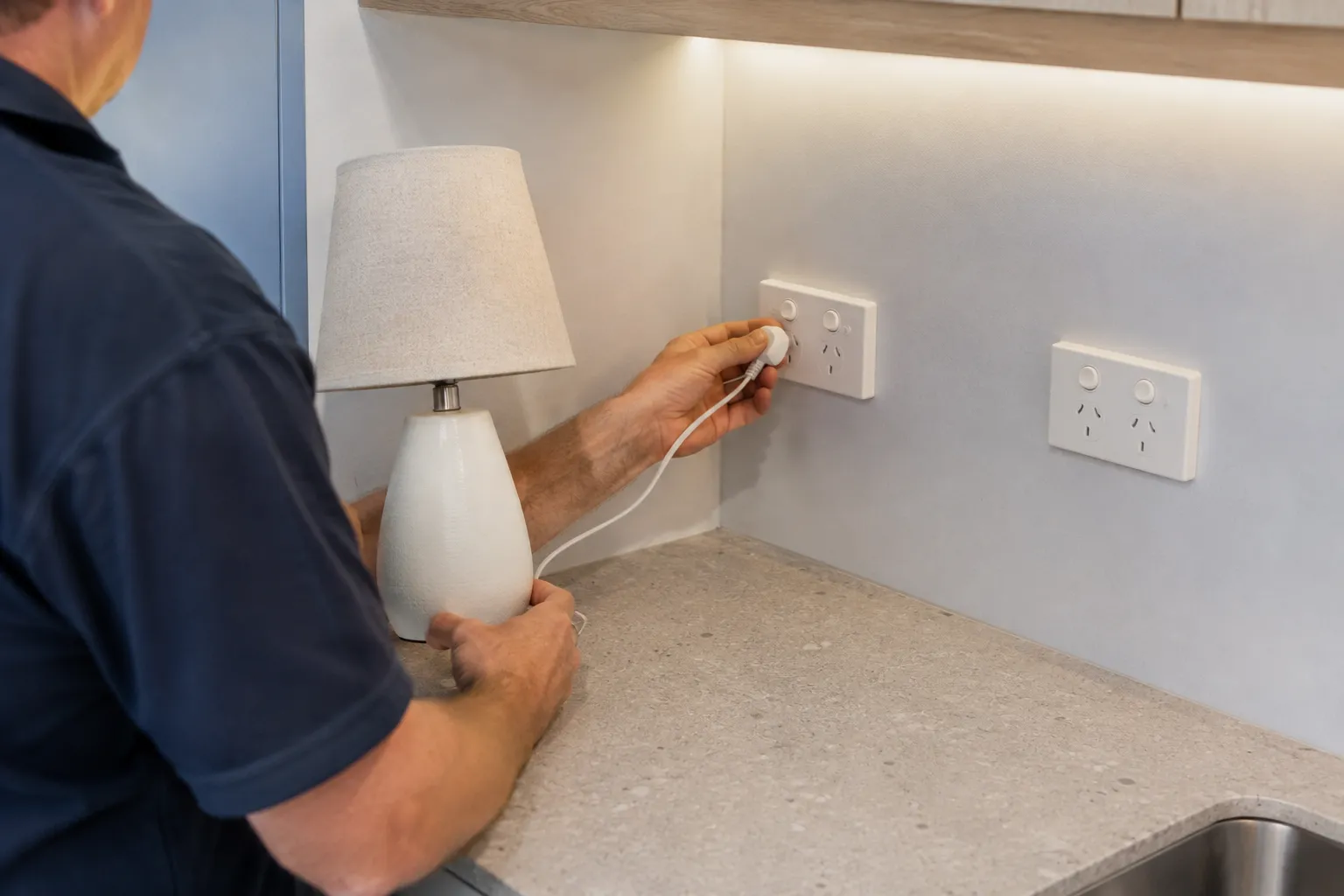
Yes. A faulty appliance, damaged plug or deteriorated power cord can cause a circuit breaker or safety switch to trip, making the power point appear to have failed.
Unplug the appliance and test the outlet with a different, low-power appliance that is known to be safe. If the second appliance works normally, the original appliance or its cord may be responsible. Look for cuts, crushed insulation or exposed wires and stop using any damaged appliance.
If the breaker or safety switch trips again with the appliance unplugged, the fault may instead be within the power point or wiring. Avoid repeatedly resetting the protective device and arrange for a licensed electrician to identify the cause.
Some power point faults can create a risk of electric shock or fire. Stop using the outlet and arrange for professional inspection if you notice any of the following warning signs.
A burning smell, smoke, unusual heat or brown and black marks can indicate overheating, arcing or damaged wiring. Stop using the outlet immediately and keep clear if there is smoke or active burning.
Persistent sparking, buzzing or crackling is not normal and may indicate damaged contacts or loose connections. Flickering lights or appliances connected to the outlet can also point to an electrical fault.
Cracked faceplates, exposed components, loose switches or sockets that do not hold plugs securely can make a power point unsafe. Any tingling or electric shock from the outlet, plug or appliance is a serious warning sign. Anyone who receives an electric shock should also seek appropriate medical advice, even if there is no obvious external injury.
Do not remove the cover or attempt to repair a damaged power point yourself. Have the fault assessed by an expert electrician.
A power point does not always need to be replaced simply because it stops working. The cause may be a tripped safety switch, faulty appliance or wider circuit problem. However, replacement may be appropriate when the outlet itself is damaged, worn or repeatedly develops faults.
Professional assessment is recommended if the power point has:
These issues can indicate worn contacts, loose connections or internal damage that may increase the risk of overheating or arcing. An electrician can determine whether the fitting can be safely repaired or should be replaced.
When a power point stops working, an electrician will systematically identify the cause rather than simply replacing the outlet. The process involves making the circuit safe, testing the electrical system, completing the appropriate repair and confirming that everything is operating correctly.
The electrician first isolates the affected circuit and confirms it is safe to work on. They then inspect the power point, surrounding wiring and connected appliances for:
Appropriate test equipment is used to identify where the fault is located. Depending on the problem, this may involve checking:
If a safety switch continues to trip, testing can help determine whether the cause is an appliance, power point or wiring fault.
Once the fault is identified, the electrician may repair damaged wiring, replace a faulty power point or address a defective protective device. The circuit is then re-energised and tested to confirm the repair has resolved the problem and the electrical system is operating safely.
This process addresses the underlying fault rather than simply restoring power temporarily.
A power point that stops working may be caused by a tripped safety switch or circuit breaker, a faulty appliance, a damaged outlet or an issue with the wiring or switchboard. Basic checks can help narrow down the cause, but burning smells, buzzing, repeated tripping, heat, damage or a loose outlet are signs that professional attention is needed.
Callinan's Electrical can safely identify and repair the underlying fault, helping protect the home, appliances and occupants. Knowing when to stop troubleshooting and call an electrician can prevent further damage while keeping the electrical system safe and reliable.
